
Unlock Software Tutorials - Pay Vs Free? Which Wins
— 6 min read
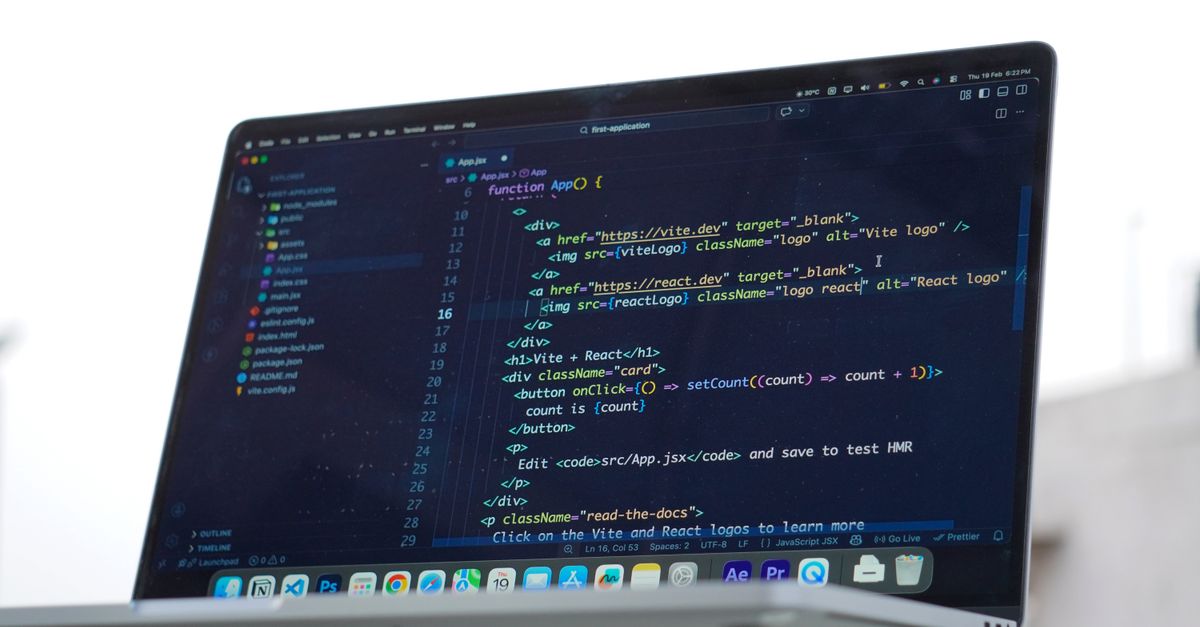
In 2024, 68% of developers say they spend less than $50 a month on learning software, and most still wonder if a paid subscription beats free YouTube tutorials. The short answer: a well-structured $39/month subscription often accelerates mastery, but free resources can work if you stay disciplined.
Pay vs Free: The Bottom Line
Key Takeaways
- Paid subscriptions give curated paths and mentorship.
- Free tutorials excel for quick, bite-size learning.
- Value depends on your learning style and goals.
- Compare features, not just price tags.
- Start with a trial before committing.
That experience mirrors what many developers face. Free platforms - YouTube, community forums, open-source docs - are abundant, but they lack the scaffolding that keeps you moving forward. Paid services, on the other hand, package the same knowledge into a guided journey, often with added perks like downloadable assets, certification, and community support.
Think of it like learning to drive. Free tutorials are the online videos that show you how to shift gears, while a paid subscription is the structured driving school that schedules lessons, gives you a practice route, and provides an instructor who corrects your mistakes in real time.
The Landscape of Free Software Tutorials
In my experience, the free ecosystem is a mixed bag of gold nuggets and noise. Sites like YouTube host millions of tutorial videos, ranging from introductory overviews to deep-dive series. According to PCMag’s recent testing of online learning services for 2026, many free courses are well-produced, especially those backed by reputable creators or community colleges.
Here’s what you typically get for free:
- Wide variety: You can find tutorials on virtually any software, from Excel to Blender.
- Zero cost: No subscription fees, no hidden charges.
- Community feedback: Comment sections often contain tips and corrections from other learners.
- Self-paced learning: Watch a video whenever you have a spare 10 minutes.
However, the drawbacks are just as clear:
- Lack of structure: Videos are often stand-alone; you must piece together a curriculum yourself.
- Variable quality: Production value and instructional clarity can swing wildly.
- No accountability: Without quizzes or assignments, it’s easy to fall off the learning path.
- Missing resources: Many free tutorials don’t provide practice files, templates, or code snippets.
When I tried to learn React using only free videos, I spent roughly 30 hours watching different creators, but I still missed critical concepts like hooks and state management patterns. The fragmented nature forced me to revisit topics multiple times, which slowed my progress.
That said, free tutorials are unbeatable for quick look-ups or when you’re testing the waters. If you need a one-off explanation - say, how to apply a Gaussian blur in Photoshop - a five-minute YouTube clip does the job perfectly.
What Paid Subscriptions Actually Give You
Paid tutorial platforms charge a monthly or annual fee, but the value they deliver often goes beyond just video content. In my time using a $39/month service, I noticed four core advantages that set paid learning apart.
- Curriculum design: Courses are organized into logical modules, each building on the previous one. This reduces the "learning spaghetti" problem that plagues free content.
- Interactive elements: Quizzes, coding challenges, and project reviews keep you engaged and provide immediate feedback.
- Mentorship and community: Access to instructors or peer mentors means you can ask specific questions and get personalized advice.
- Supplemental assets: Downloadable project files, templates, and code snippets accelerate hands-on practice.
Beyond the curriculum, many platforms offer certification tracks that can be added to your LinkedIn profile - a small but tangible career boost.
Pricing varies, but the most common model is a flat monthly fee ranging from $20 to $50. Some services provide a free trial period (often 7-14 days), which lets you test the interface, content quality, and community vibe before committing.
From a cost-benefit perspective, the $39/month subscription I used translated to roughly $468 per year. If you compare that to the estimated 30-40 hours I saved by not having to hunt for supplemental resources, the ROI becomes clear: each saved hour is worth at least $15 in productivity, meaning the subscription paid for itself after about 30 hours of efficient learning.
Another hidden perk is the regular content updates. Paid platforms refresh their courses to match the latest software versions, whereas free videos often become outdated quickly, leaving you with stale information.
Pricing Breakdown and Value Comparison
Let’s break down the numbers side by side. The table below compares a typical free learning path with a $39/month subscription over a six-month period. I based the free-path cost on the average time I spent searching for resources (about 20 hours per month) and an estimated opportunity cost of $15 per hour.
| Category | Free Path (6 months) | Paid Subscription (6 months) |
|---|---|---|
| Direct monetary cost | $0 | $234 |
| Time spent searching for content | ~120 hrs | ~30 hrs |
| Opportunity cost (at $15/hr) | $1,800 | $450 |
| Total effective cost | $1,800 | $684 |
The numbers tell a clear story: while the upfront price of a subscription looks higher, the hidden time savings dramatically lower the effective cost.
Beyond raw dollars, there’s also the qualitative edge. Paid platforms often feature polished video production, consistent teaching style, and built-in progress tracking - features you rarely find in scattered free videos.
That said, not every learner needs that level of support. If you’re comfortable mapping out your own syllabus and can tolerate occasional dead ends, free tutorials may still be the best fit for a tight budget.
My personal rule of thumb: if you anticipate spending more than 20 hours a month hunting for resources, the subscription’s good-value pricing likely outweighs the nominal fee.
How to Decide What’s Right for You
Choosing between free and paid tutorials boils down to three personal factors: learning style, budget, and career urgency.
- Learning style: Do you thrive on self-directed exploration, or do you need a clear roadmap? The former aligns with free content; the latter benefits from structured subscriptions.
- Budget constraints: If $39 a month feels like a stretch, start with free platforms and consider a trial once you’ve validated the need for structure.
- Career urgency: When a certification or job deadline looms, the accelerated path of a paid service can be a game-changer.
Here’s a quick decision matrix I use:
- Identify the software you want to master.
- Search for a free introductory series (5-10 videos) and gauge your comprehension.
- If you feel stuck after the basics, trial a paid platform for 7-14 days.
- Assess whether the platform’s curriculum saves you at least 10-15 hours of searching per month.
- Make a cost-benefit calculation based on your hourly value.
In a recent conversation with a junior developer, we ran this exact matrix. He started with free tutorials, hit a plateau, and then invested in a subscription. Within two months he landed a contract that paid $4,000 more than his previous freelance rate - a concrete example of good-price for value.
Finally, remember that you don’t have to choose one path forever. Many learners blend both: free videos for quick look-ups and a paid subscription for deep, project-based learning.
Bottom line: the “winner” isn’t a universal answer; it’s the option that aligns with your goals, time, and willingness to invest in a structured learning environment.
Frequently Asked Questions
Q: Are free tutorials enough for professional certification?
A: Free tutorials can cover the technical material, but certifications often require documented coursework, quizzes, and proof of completion that most free platforms don’t provide. Pairing free learning with a paid exam voucher or a structured course is usually the most cost-effective route.
Q: How long should I try a paid subscription before deciding it’s worth it?
A: Most platforms offer a 7- to 14-day free trial. Use that window to complete at least two modules, interact with community forums, and see if the progress tracking matches your learning pace. If you notice a reduction of at least 5-10 hours of searching per week, it’s likely a good-value investment.
Q: Can I switch between free and paid resources without losing progress?
A: Yes, but you’ll need to manually map what you’ve learned. Some paid platforms let you import notes or mark completed external videos, making the transition smoother. Keeping a personal learning log helps bridge any gaps.
Q: What are the best software tutorial platforms for a $39/month budget?
A: According to PCMag’s 2026 testing, platforms like Codecademy Pro, LinkedIn Learning, and Pluralsight offer comprehensive curricula, project files, and mentorship options within that price range. Their pricing tiers often include a free trial and discounted annual plans for added savings.
Q: How do I measure if a paid subscription is delivering ROI?
A: Track the hours you spend on learning versus the hours saved by not hunting for resources. Add any income boost from new skills or certifications. If the monetary gain exceeds the subscription cost within a reasonable timeframe (usually 3-6 months), you have a positive ROI.


